Type
One click on the menu bar icon opens the panel. As you type it shows the exact folder that is about to exist — and a name macOS will not accept says so before Return does anything.

New projects from the menu bar.
Runway is a menu bar app for the first ten seconds of a project. Type a name, choose Xcode or Visual Studio Code, press Return — the folder is created inside your projects folder and the editor opens on it.
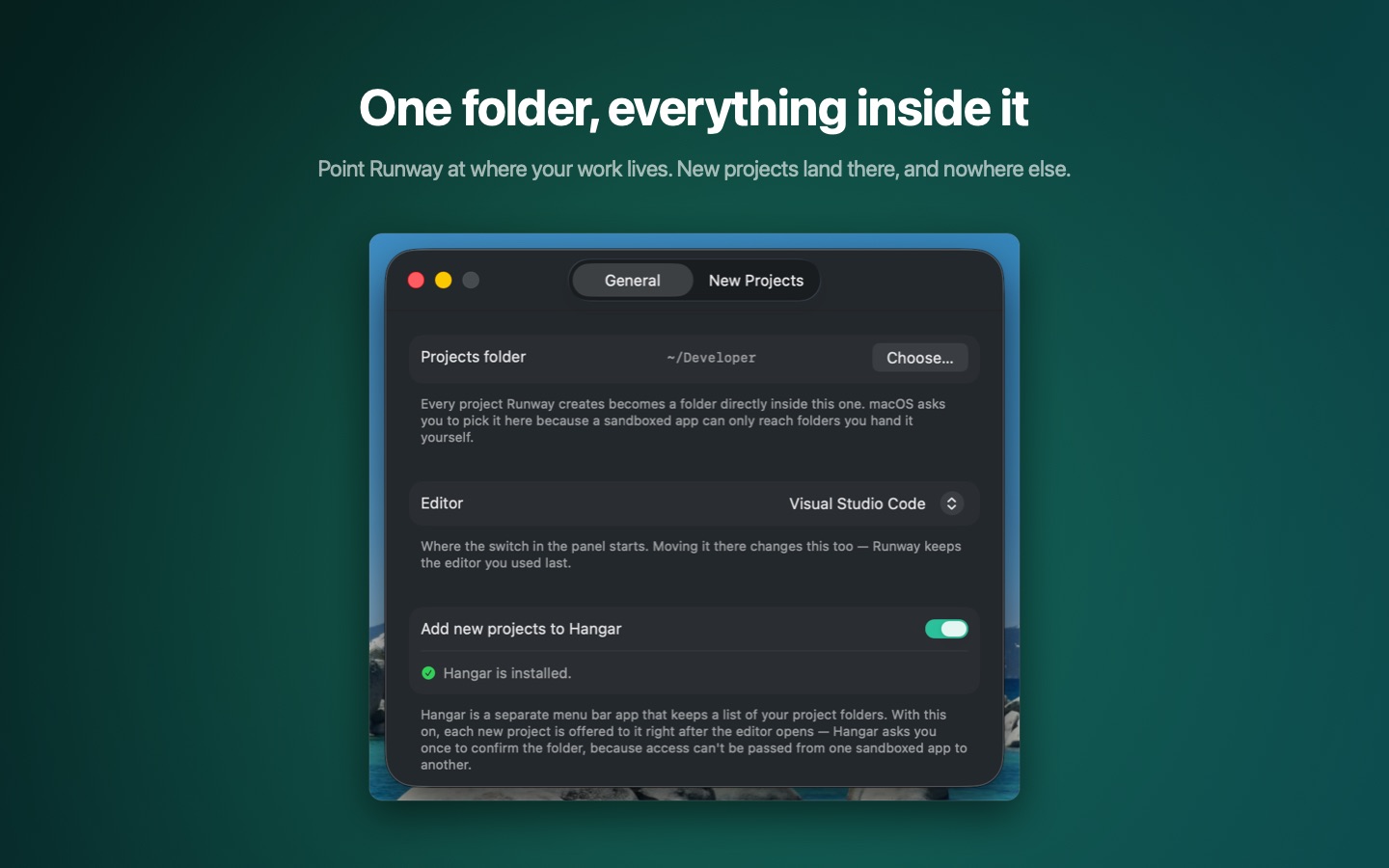
You point Runway at the folder your work lives in — ~/Developer, ~/Code, a client directory, wherever it is — and every project it creates lands directly inside. Nothing gets scattered across the disk, and nothing ends up in Downloads because that is where the save dialog happened to open.
That is the entire app. No project list to maintain, no template gallery to scroll through, no window sitting in your way — a new project folder costs one keystroke more than deciding what to call it.
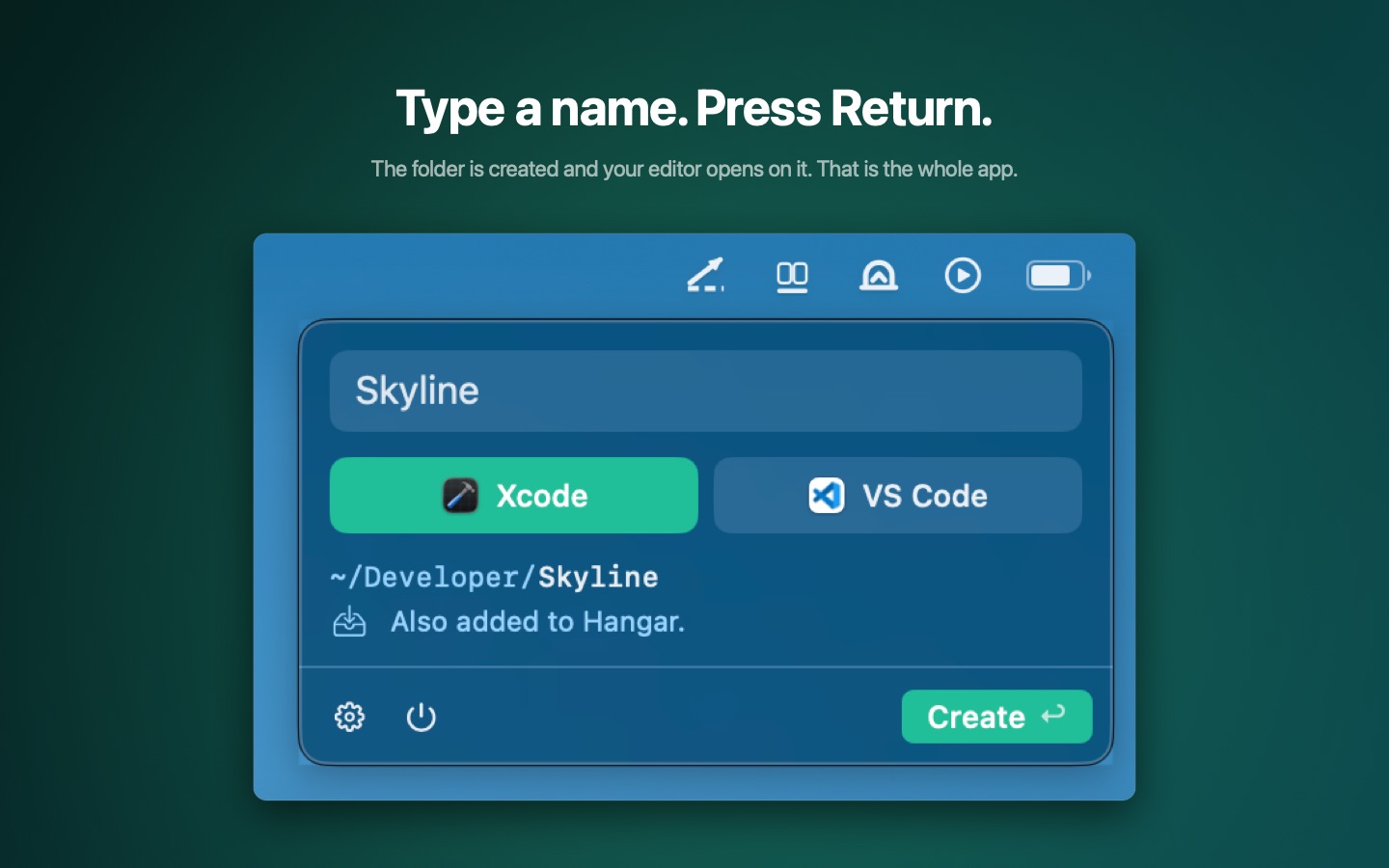
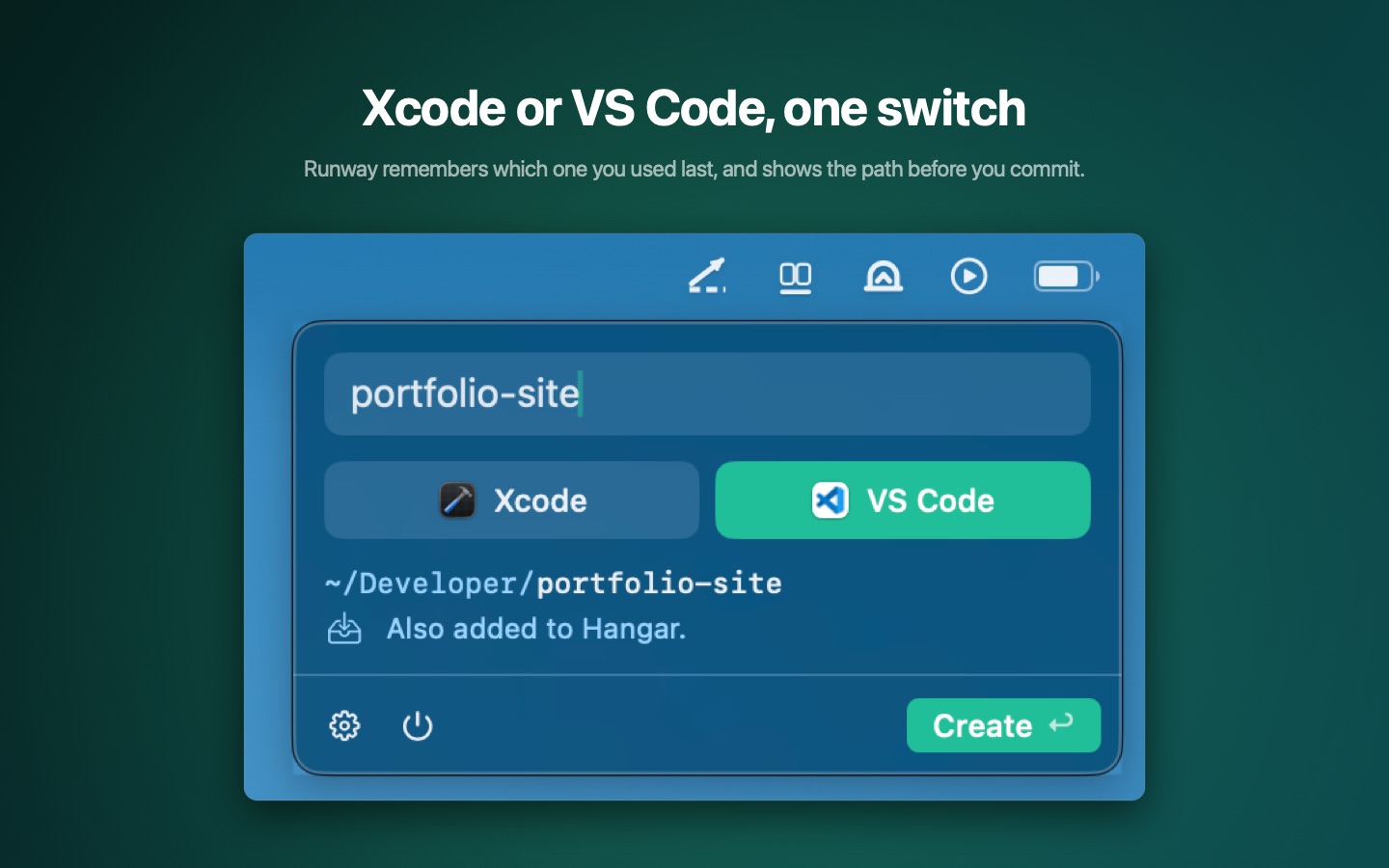
One click on the menu bar icon opens the panel. As you type it shows the exact folder that is about to exist — and a name macOS will not accept says so before Return does anything.
The switch under the name field carries both editors' own icons. ⌘1 and ⌘2 pick one directly, ⌘E flips between them, and Runway starts on whichever you used last.
The folder is created inside your projects folder and the editor opens on it. If the folder is already there, the button changes to Open and Return opens it instead of refusing.
Hangar is our menu bar project launcher: a list of the folders you work in and the editor each one opens in. Switch the handover on, and every project Runway creates is offered to Hangar right after the editor comes up — so today's new folder is in tomorrow's list.
See HangarRunway collects nothing. There is no account, no subscription and no background service — just a menu bar icon, a text field and a switch.
Privacy Policy